How to use Measured Size
Measured Size shows your bra size in each store's own labels. Choose how you shop, then follow the steps. Every step has a picture.
Which one do I need?
On a computer
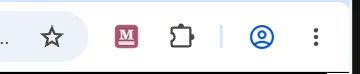
In Chrome, Microsoft Edge, Brave and Firefox. Add Measured Size, then click its button on any bra listing. Microsoft Edge and Brave add it from the Chrome Web Store too, with the same steps.
On an iPhone
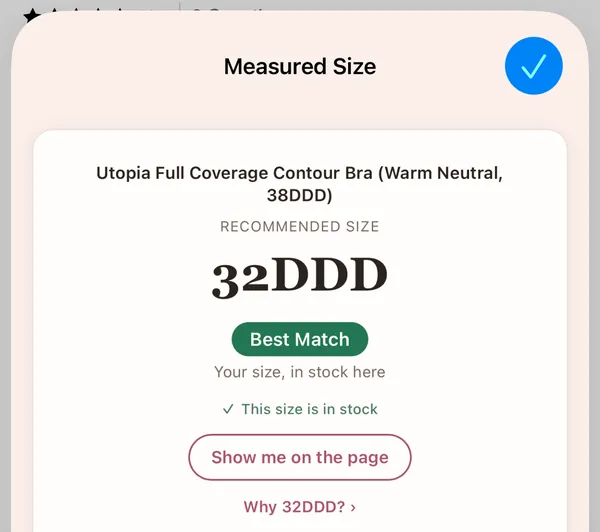
Get the free app, enter two measurements, and shop inside it with your size on every bra. You can also use it in Safari.
App Store link soon.
On an iPad
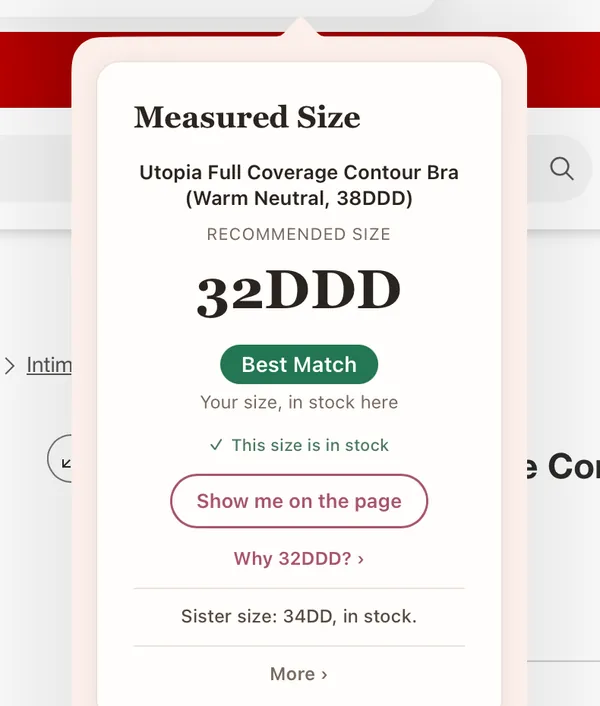
The same free app as on iPhone: shop inside the app, or use Measured Size in Safari.
App Store link soon.
On an Android phone
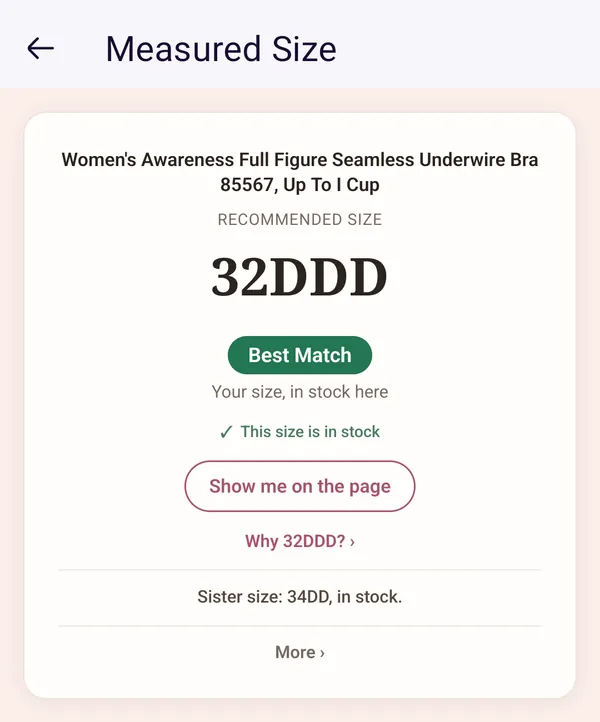
It works in the Firefox app, not in Chrome or your phone's own browser. Get Firefox, then add Measured Size.
Need a hand?
- Something's not working: no button, Safari asking, a card that couldn't read the page, and more.
- Reading the card: what each part of it means.
- Still stuck? Write to support@measuredsize.com.